What is a Web3 wallet? What is WalletConnect?
Self-custodial wallets, the WalletConnect standard, and why Morph Payments' checkout asks you to sign in and authorize.
When you open a payment request in Morph Payments, your customer might be asked to connect their wallet. That wallet isn’t an account the customer creates with Morph Payments — it’s an app they already have that holds the private keys to their funds on the blockchain. WalletConnect is the standard Morph Payments uses to bridge the two: it lets your customer approve the transaction from inside their own wallet app without handing control to anyone else.
As the merchant, you don’t need to understand wallets in any technical depth. But knowing what your customer is doing when they see “Connect wallet” helps you support them if they run into trouble.
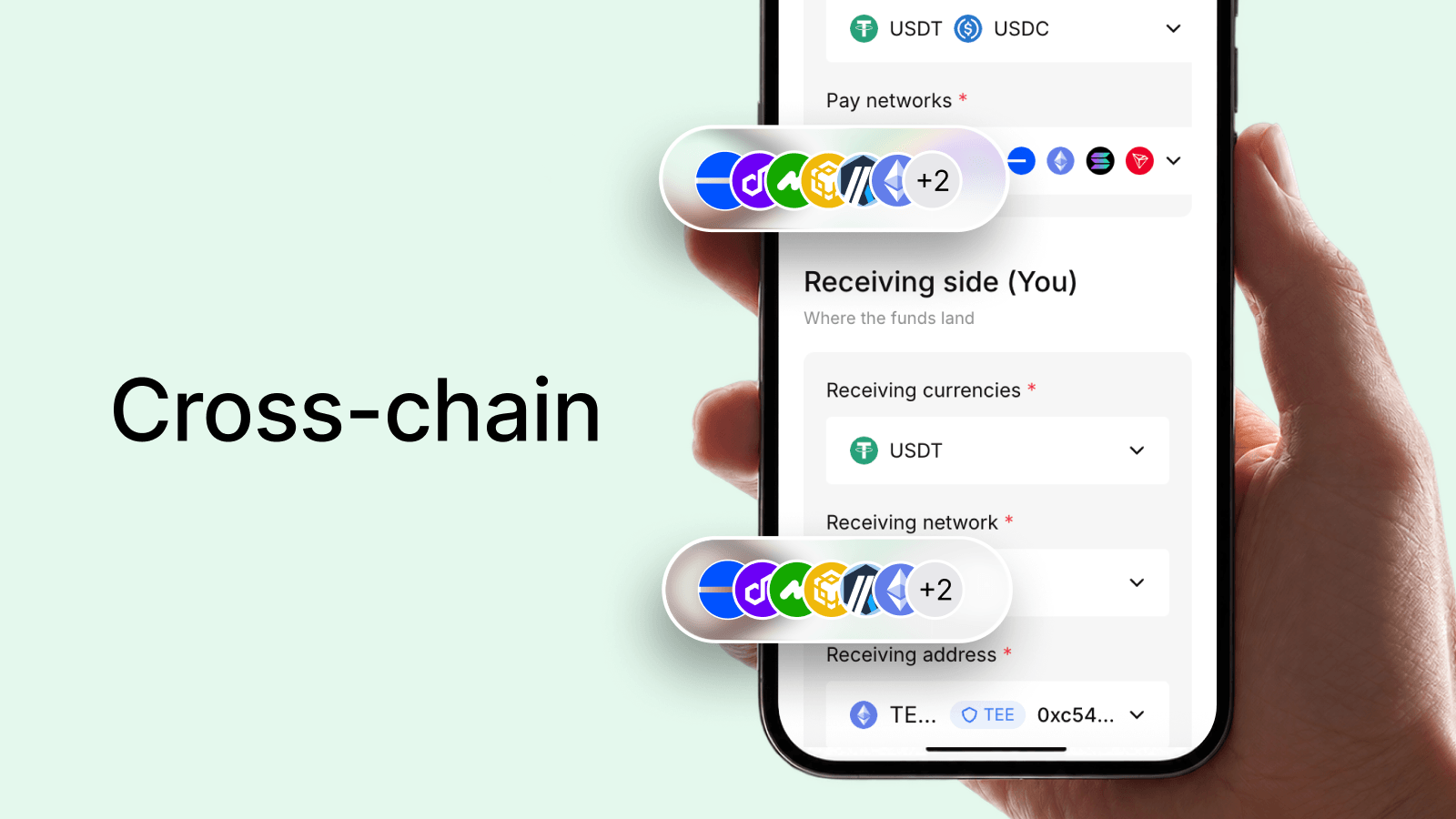
Note: customers paying via manual transfer simply copy the transit address and send from any app they like — no WalletConnect step involved. The wallet-connection flow only applies to the QR-code or button-click checkout path.
Why crypto wallets work differently from a bank account
A bank account is a number inside the bank’s database; the bank controls the record. A crypto wallet is different: the private key is the account. Whoever holds the private key controls the funds — no bank in the middle. The wallet app (MetaMask, Trust Wallet, Rainbow, etc.) is just software that stores and uses that key securely. This is why wallets don’t need approval from anyone to send a payment: the key is sufficient.
Types of wallets customers use
Customers most commonly pay from browser-extension wallets like MetaMask (desktop) or mobile-app wallets like Trust Wallet, Coinbase Wallet, or Rainbow. Some use hardware wallets (Ledger, Trezor) paired with a software interface. All of these support WalletConnect — the standard that lets them connect to Morph Payments’s checkout without sharing their private key with anyone.
How WalletConnect works in practice
When your customer clicks “Pay” on a Morph Payments checkout, they see a QR code or a list of wallet options. They scan the QR code with their phone wallet or click their wallet name. Their wallet app opens and shows the transaction details — the amount, the token, and the destination address. The customer reviews it and approves. The signed transaction is sent to the blockchain. WalletConnect is the protocol that passes the transaction request between Morph Payments’s checkout page and the wallet app; at no point does Morph Payments see or handle the customer’s private key.
What your customer sees during payment
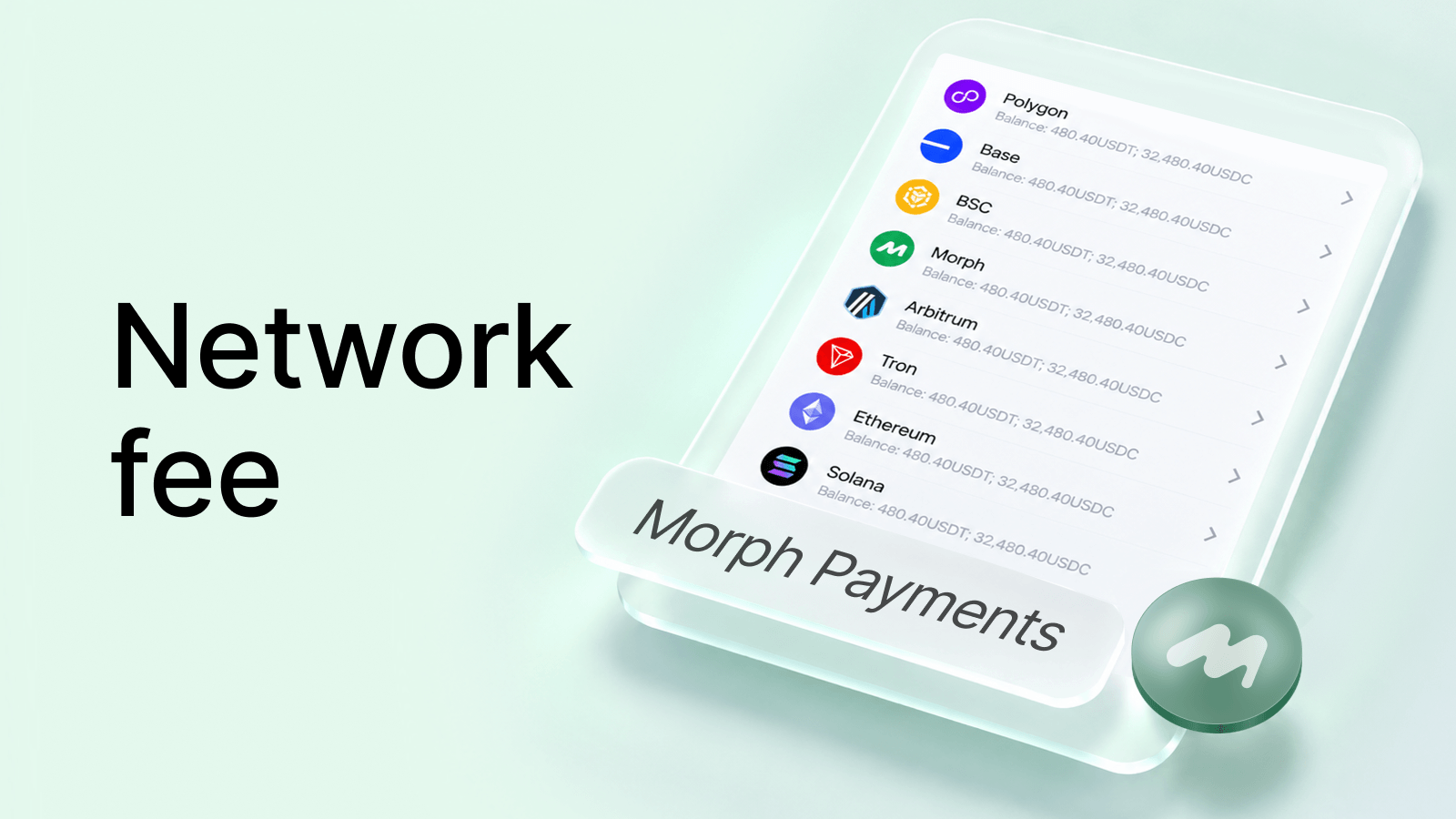
The customer sees a popup or redirect to their wallet app showing the payment amount in the token they selected, a network fee estimate, and a confirm button. On mobile this often looks like switching apps briefly — to their wallet and back. On desktop it looks like a browser extension popup. If they reject or close it, the order stays open and they can try again within the payment window.
You don’t need to know this to run payments
Morph Payments’s checkout handles the WalletConnect session, the transaction request format, and network selection automatically. You set the amount and choose which tokens to accept; Morph Payments does the rest. This section exists so you can answer a customer’s “what is this?” question confidently — not because you need to configure anything on the wallet side.