What is a transaction hash? Which hash belongs to my order?
The on-chain fingerprint that lets you independently verify any payment order.
Every confirmed transaction on a blockchain is identified by a transaction hash (also called a “txid” or “tx hash”) — a unique string of letters and numbers that permanently identifies that one transfer on that network. It’s generated automatically the moment the transaction is submitted. You can look up any transaction hash on a block explorer to see its status, amount, sender, and receiver.
Why transaction hashes exist
Blockchains are public ledgers. Every transaction is recorded in a block and distributed to thousands of nodes. The hash is the fingerprint of that specific record — it’s derived from the transaction data using a cryptographic function, so it’s unique and unforgeable. If you change even one character of the transaction data, you get a completely different hash. This makes transaction hashes a reliable, tamper-proof reference number.
What a transaction hash looks like
On Ethereum-family chains it looks like: 0x4a3b...f8c2 — a 66-character string starting with “0x”. On Tron it starts with a capital letter and is 64 hex characters. On Solana it’s a base58 string of roughly 88 characters. The format differs by chain but the purpose is the same. You don’t need to memorise these formats — Morph Payments displays the hash on the order page and links to the block explorer for that chain automatically.
Where to find it in Morph
Open any completed order in Morph Payments Console. The transaction hash (or multiple hashes, if cross-chain routing was involved) appears in the transaction details section, with a link to the relevant block explorer. You can copy it from there to share with a customer or include in your own records.
What you can verify on a block explorer
Paste any transaction hash into the block explorer for that chain (Etherscan for Ethereum, BscScan for BNB Smart Chain, Basescan for Base, Tronscan for Tron, etc.) to see: whether the transaction was confirmed, how many confirmations it has, the sender and receiver addresses, the amount transferred, the network fee paid, and the exact timestamp. This is public information available to anyone — useful when a customer disputes whether a payment went through.
Why a single payment might produce multiple hashes
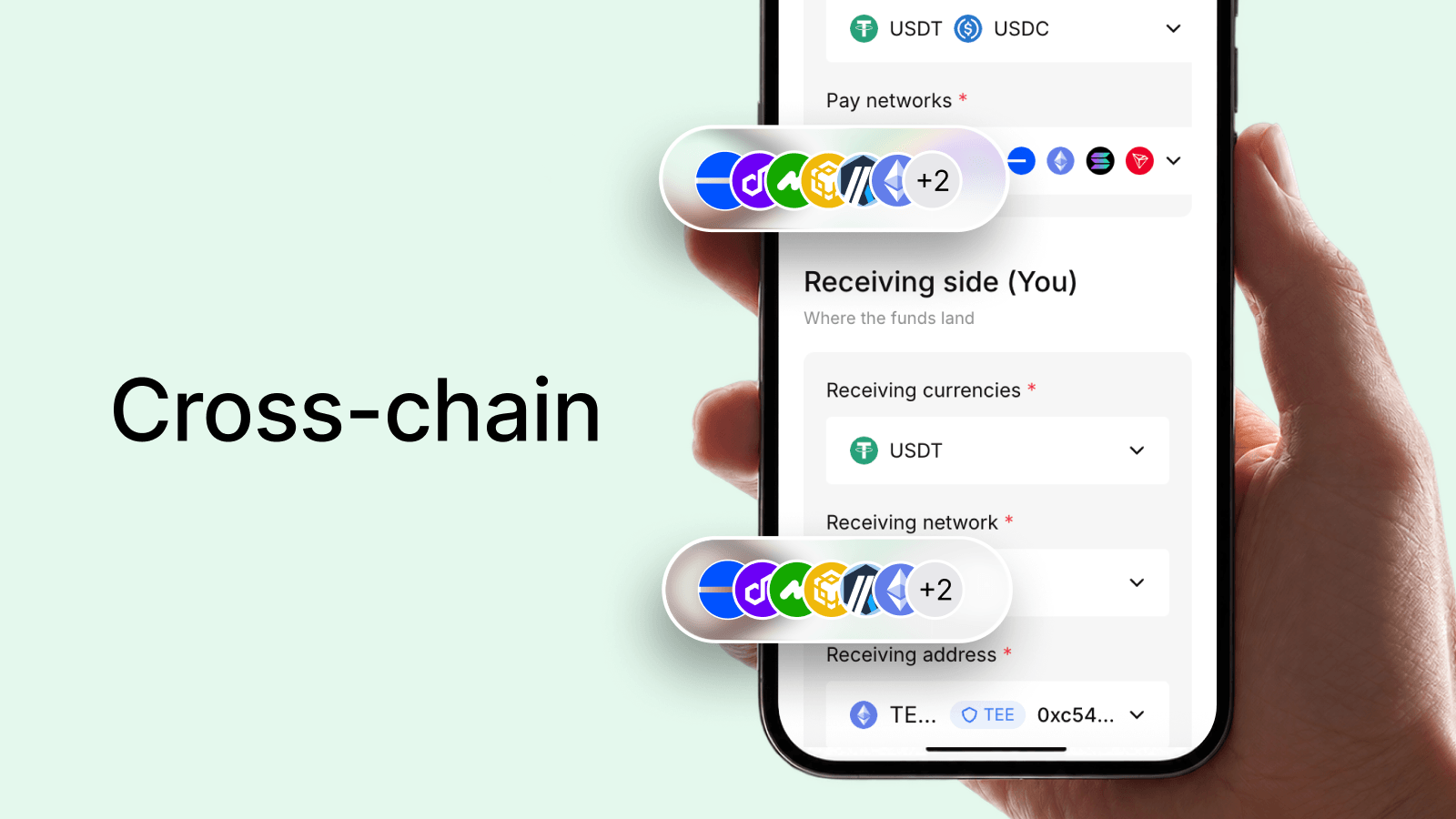
If a customer pays on a different chain than the one you receive on, Morph Payments performs a cross-chain swap. That involves at least two transactions: the customer’s initial send, and the swap/bridge transaction. Each step has its own hash on its own chain. You’ll see all relevant hashes in the order details, labelled by chain. For a same-chain payment with no routing, there is typically just one hash.
Sharing a hash with a customer
If a customer asks for proof of payment or wants to verify a refund, the transaction hash is what you share. It’s the on-chain receipt — immutable and publicly verifiable. You can either share the raw hash or the block explorer link Morph Payments provides, which takes them straight to the transaction details page.