How do I sign up, log in, set up 2FA, and activate my TEE wallet?
From your first email sign-up to an active, secured account — four quick steps.
Your Morph Payments account works like an email account — you sign in with your email, not a seed phrase. Your wallet is created for you automatically and protected by hardware that even Morph Payments cannot read. The whole setup takes about five minutes.
What you will need
Just a business email address. No crypto wallet, no browser extension, no prior blockchain experience. You are creating a standard web account that happens to have a non-custodial wallet attached.
The four steps
- Go to Morph Payments Console and click Sign up. Enter your business email address. No application form, no credit check, no approval process.
- Check your inbox for a 6-digit verification code and enter it on the next screen. This confirms the email address belongs to you.
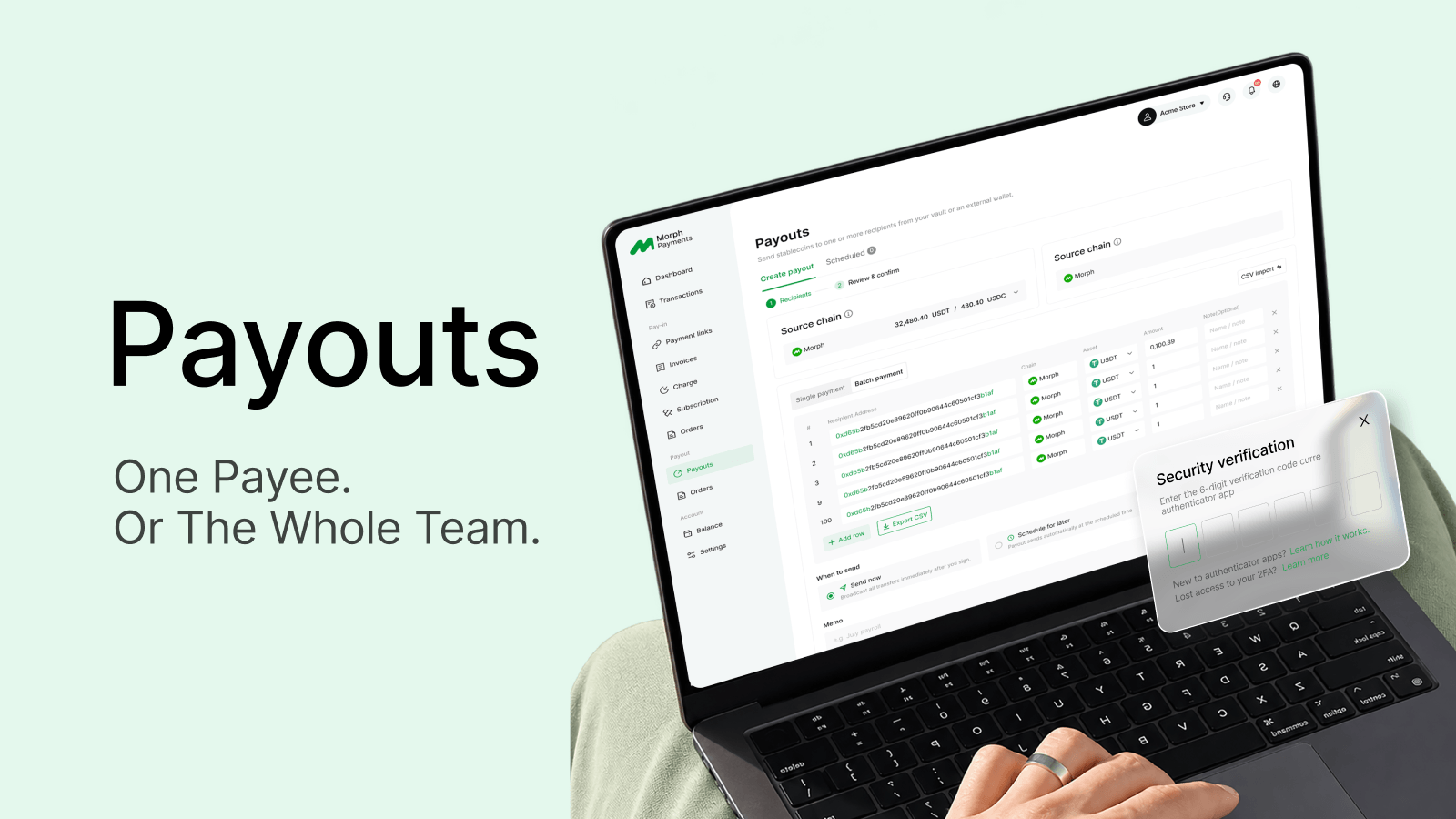
- Set up 2FA using any TOTP authenticator app (Google Authenticator, Authy, 1Password). Scan the QR code shown in your security settings and save your backup codes somewhere safe — you will need them if you ever lose your phone.
- Your TEE wallet is created automatically when your account is set up. You do not need to do anything separately — there is no seed phrase to write down and no extension to install.
Why 2FA matters here
Your TEE wallet is tied to your account. Anyone who can log in as you can initiate payouts. 2FA adds a second factor — a rotating code from your phone — so a leaked password alone is not enough to access your funds. It is required before Morph Payments allows any payout, which is why setting it up during onboarding saves time later.
What you can do once you are set up
From here you can create your first payment request, set up an external receiving address if you prefer to use your own wallet, or go straight to a payout if you have a balance to send. Everything is in the Console — there is no integration to build before you can start.